
Admin
Admin & configuration
Document Control needs a little setup before your team can use it. An administrator does most of it once.
Access & user groups
- An administrator configures the user group for Qity Document Control.
- You must belong to the user group mapped to the Document Control app.
- Discarding drafts, and other QA actions, need membership of the Document Control QA group.
What every user needs
| Requirement | Detail |
|---|---|
| Jira user license | A valid Jira user license. |
| Confluence user license | A valid Confluence user license. |
| Web browser | A current version of Chrome, Firefox, or Edge. |
| Email visible to Anyone | Your contact email must be visible so approvals can reach you. |
Make your email visible
Document Control needs your email address to send review requests and signature passcodes. Check your visibility setting:
- Click your profile picture on the right of the navigation bar.
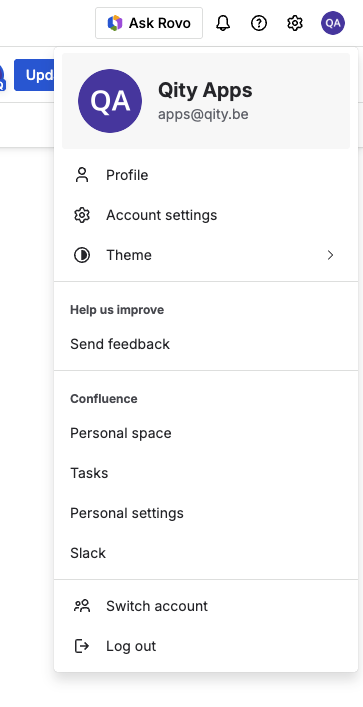
The account menu, with Account settings near the top. - Open Account settings.
- Confirm the Contact section is set to Anyone.
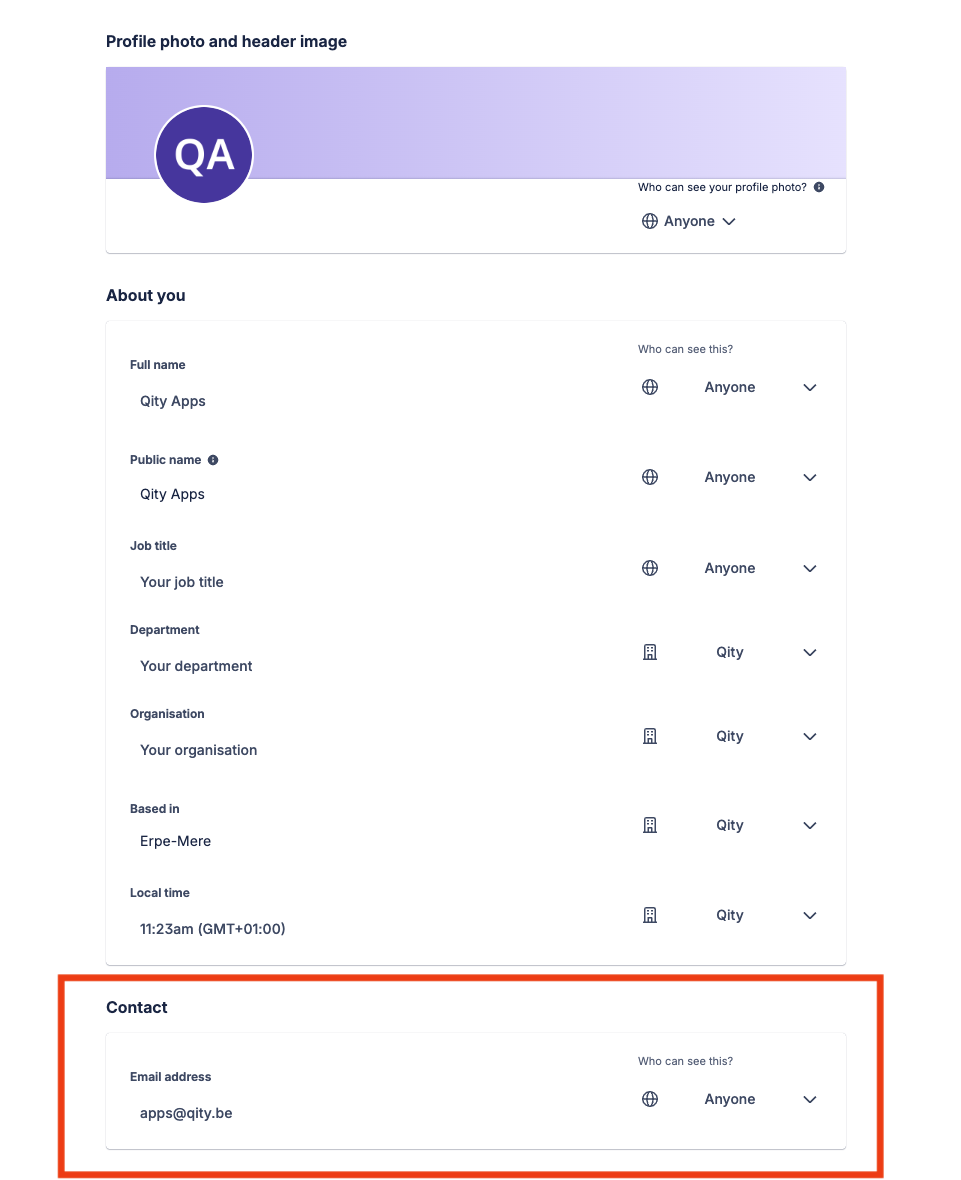
The Contact section set to Anyone.
Confluence first, Jira behind the scenes
You complete every everyday task in Confluence. Jira stores the document metadata, and only QA and administrators work in it directly.