
Guide
Initiate an approval
When a draft is ready, send it for review directly from its status.
- Click the Draft status on the document, then select the people who need to approve it.
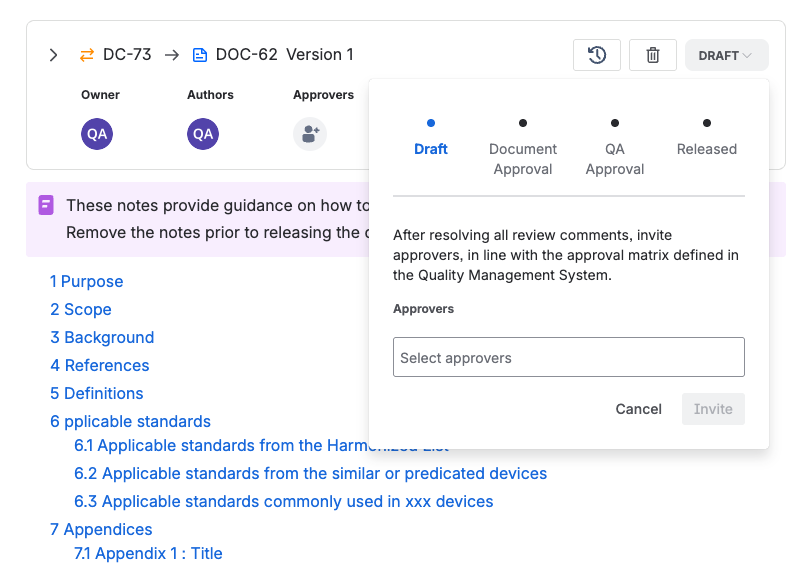
The approver picker on the document’s Draft status. - Click Invite to start the review. Each approver is notified by email.
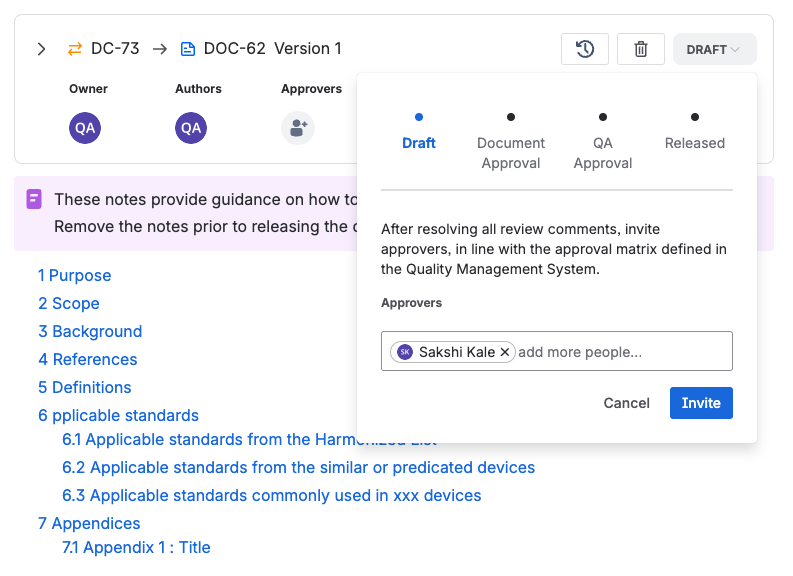
Invite sends the review request to every approver by email.
How many approvers?
As a best practice, every document approval needs at least two approvers, one of whom may be the author, and QA signs last before release. For a minor administrative update such as fixing a typo, a single approver is enough.