
Guide
Copy a document
Copying is the quickest way to start a new document from one that already exists.
- Open the document in the Released space.
- Click Copy at the top right, or click the status and select Copy.
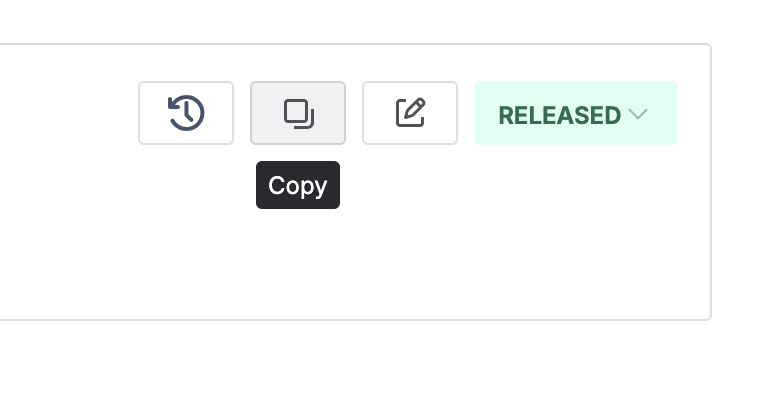
The copy icon in the document toolbar, with its tooltip showing. - Enter the document type (usually unchanged) and the new title, then verify the applicable products.
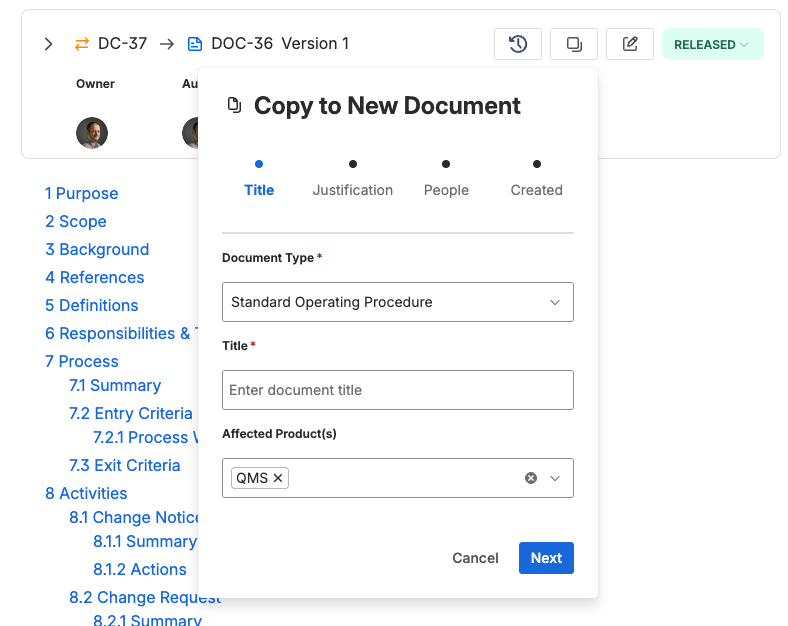
The document type, the new title, and the affected products. - Enter the justification for creating the new document.
- Enter the owner, authors, and approvers where you can.
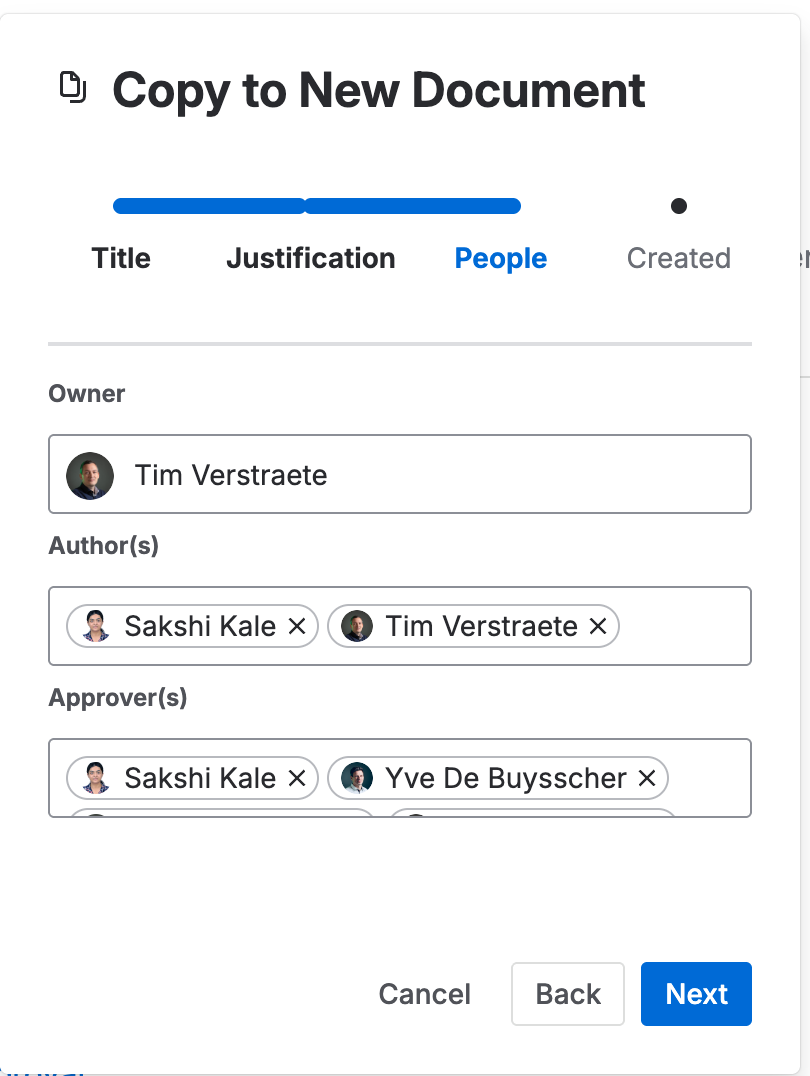
The owner, authors, and approvers for the new document. - Click Create. The new document opens for editing.