
Guide
Create a document or template
New documents and templates both start with the New document wizard, which you can open from either space.
- In the Draft or the Released space, click New document at the right of the filter row.
- Select the template, enter the title, and choose the affected product(s).Selecting the right product matters: it places the document in the correct structure for that product’s development. For QMS documents, use the dedicated Qity QMS product so all templates and QMS documents link together.
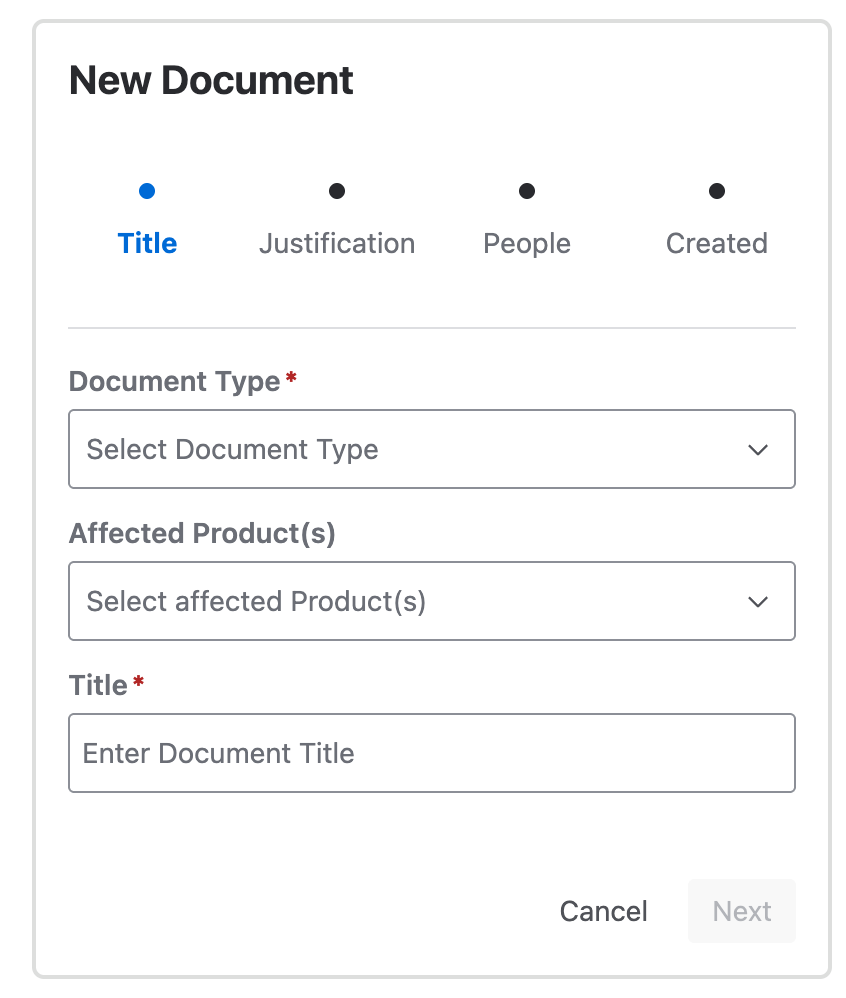
The first wizard step: template, title, and affected products. - Enter the justification for creating this document.
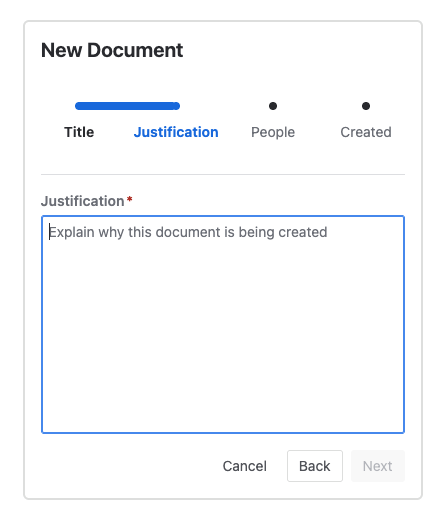
The Justification step, with a free-text field for why the document is being created. - Assign the owner and the author(s).
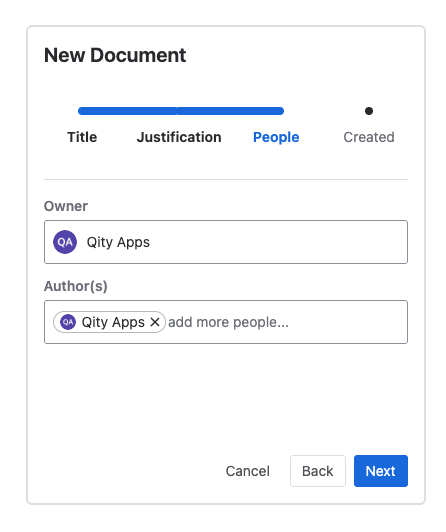
The People step, with the owner and author fields filled in. - Click Next. Document Control creates the document, then offers to open it for editing.
Creating a template
A template is a document of type Template, so select that type in the wizard. You can also create one by copying an existing template.
Choosing the right product
Picking the applicable product keeps documents organized and discoverable. Use these categories as a guide:
QMS (internal)
Documents about the way you work and your processes: SOPs, SWIs, WIs, and templates.
Client documentation
Anything delivered to customers, such as delivery reports, or work instructions for a product you built for them.
Product offering
Documents about a full product offering rather than one app: bundle documentation, system architecture, and similar.
Product app
Documents tied to a specific app, independent of the offering it ships in, so each app keeps its own documentation.