
Guide
Discard a draft
You can discard a draft nobody needs any more, but only members of the Document Control QA group can carry it out.
- Open the document table in the Draft or Released space and open the document.
- Click the trashcan icon in the document toolbar.
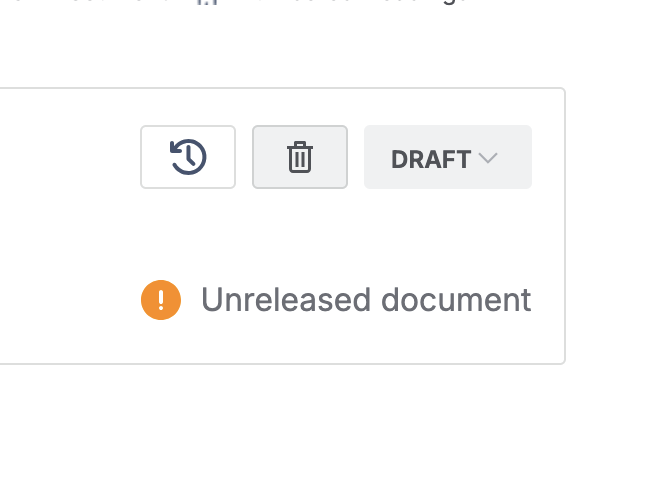
The trashcan icon in the toolbar of a draft document, beside the Draft status. - If you are in the QA group, enter the reason for discarding and click Discard.
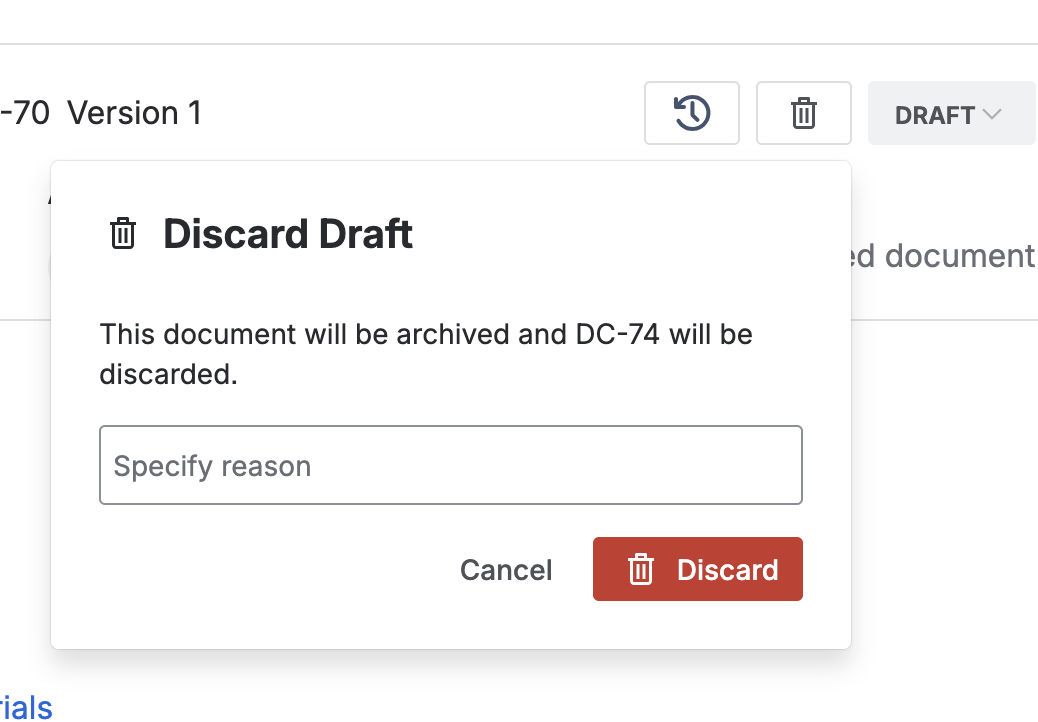
The reason field QA fills in before confirming the discard. - If you are not, the dialog asks you to reach out to your QA representative instead. Click Got it, then ask QA to discard it for you.
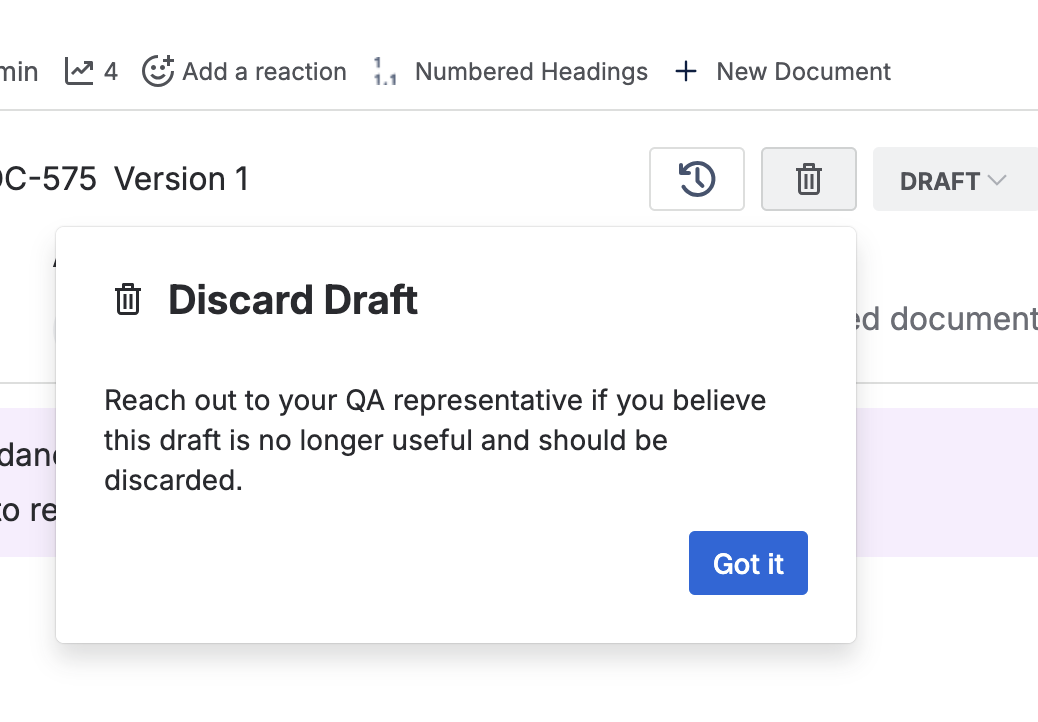
The prompt shown to anyone outside the QA group, pointing them at their QA representative.
Where discarded drafts go
A discarded draft is archived, not deleted. Standard users no longer see it, and the QA team can still reach it through the space settings.